Nov 26, 2024
A new lottery feature has been released!
Product updates
A new lottery function is now available for use when selling tickets on Zaiko! This feature allows only selected winners from applicants to purchase tickets for highly popular events.
[Creating Lottery Tickets]
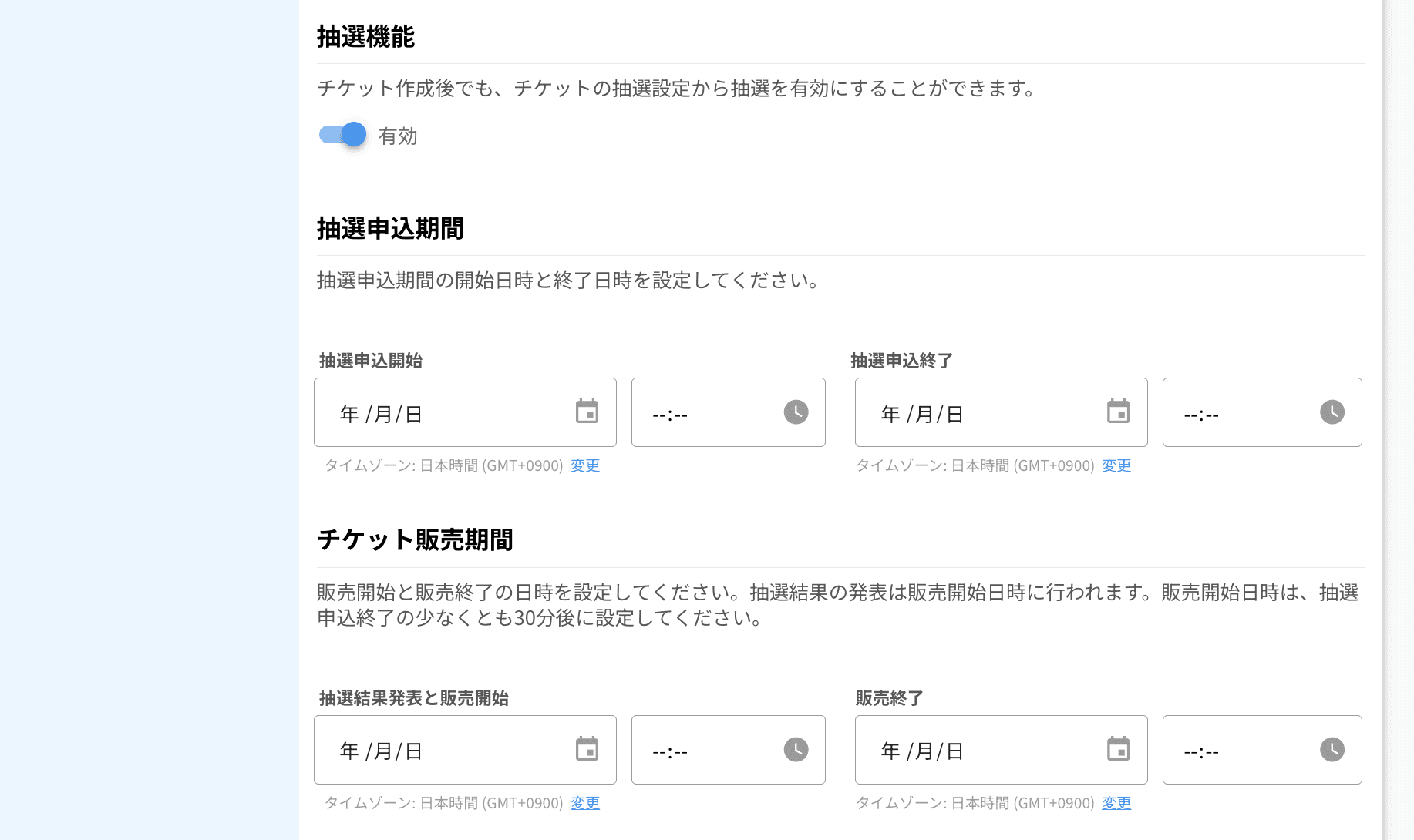
You can enable the lottery functionality from the ticket creation process or the "lottery settings" menu. You can set the start and end time for the lottery application period and easily configure lottery-related settings within the ticket creation flow.
[Advanced Lottery Features]
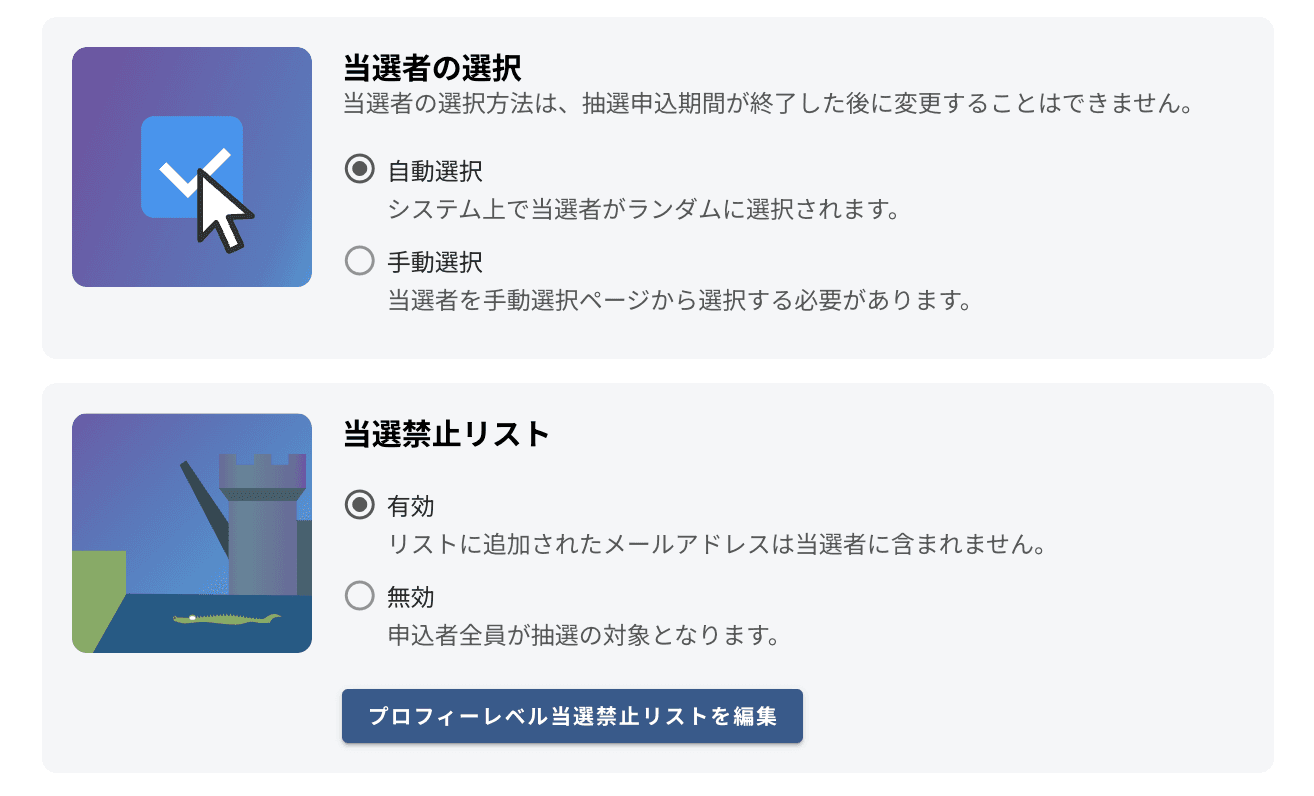
Winner Selection: Depending on the event requirements, winners can be selected automatically or manually.
prohibited list settings: You can enable a prohibited list to exclude specific applicants from winning.
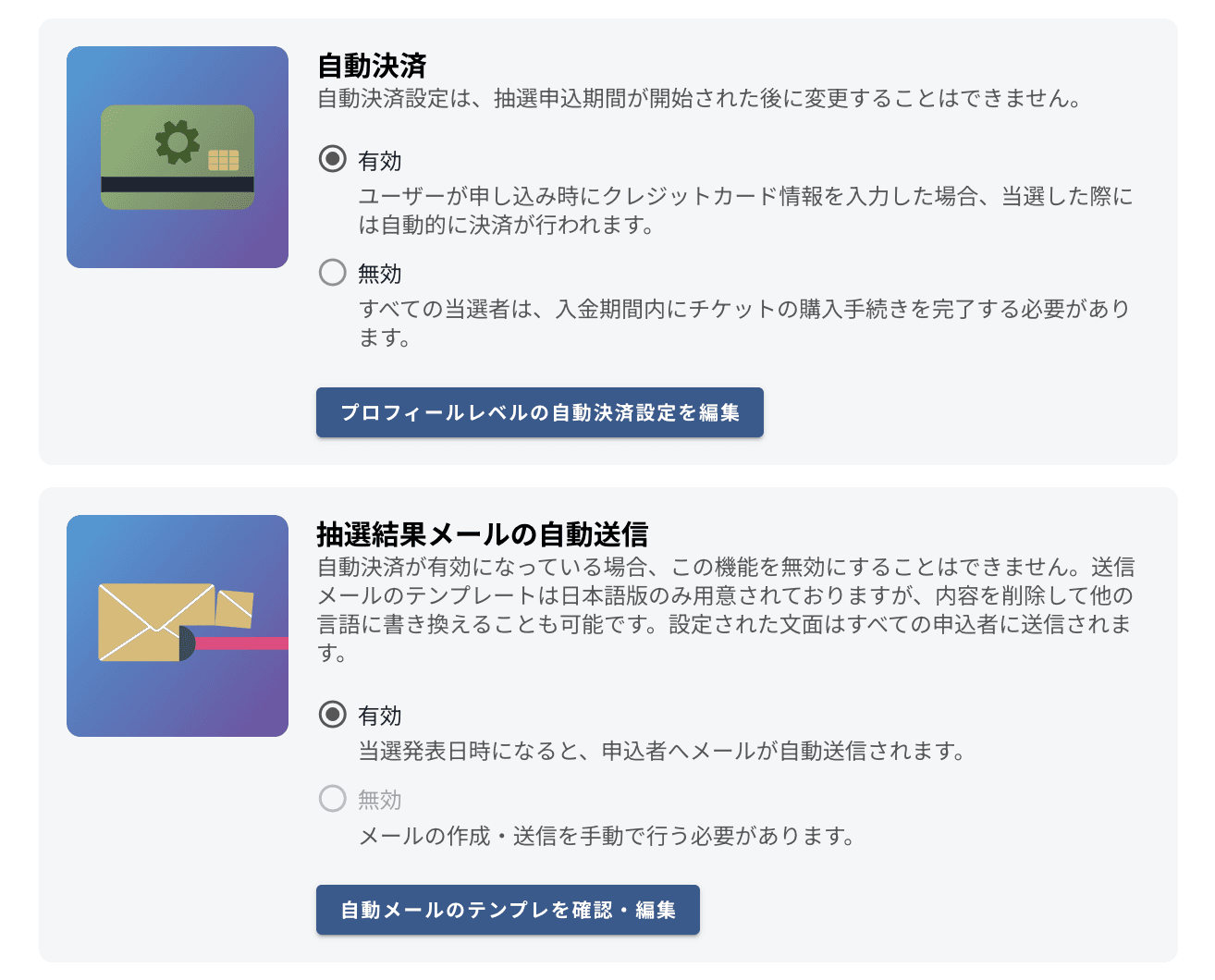
Automatic Payment Settings: You can enable the credit card automatic payment feature to streamline the ticket purchase process for winners.
Customizable Emails: Automatic notifications for winners and losers can be sent, with templates that can be freely customized.
Preventing Duplicate Wins: It is also possible to set up rules to prevent multiple wins for the same event.
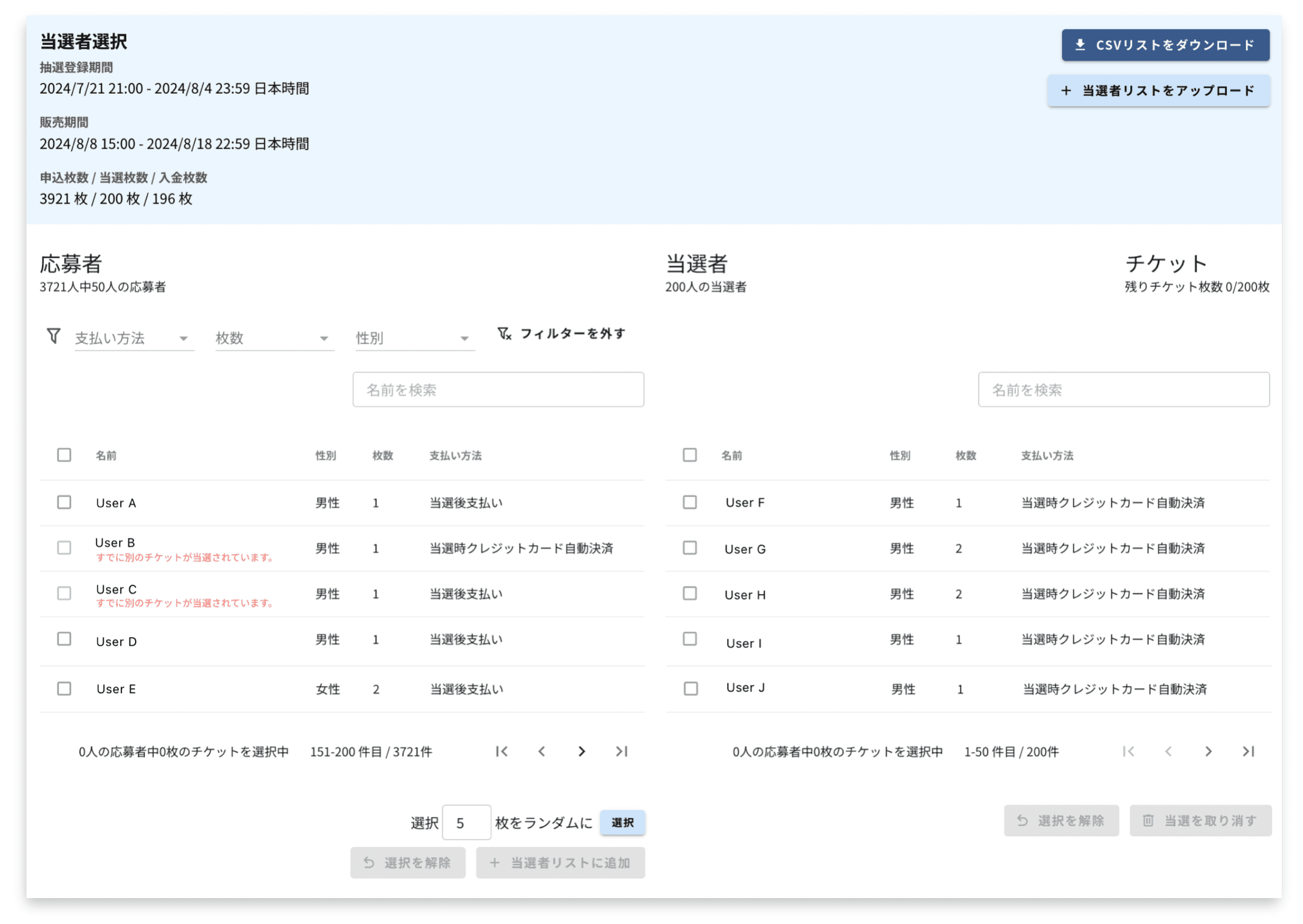
[Manual Winner Selection Page]
You can manually select winners using filtering functions based on criteria such as gender, payment method, and the number of applications. It is also possible to randomly select winners for a specified number of tickets.
[Lottery Results Management Page]
A table is provided that allows you to easily check the lottery results and the current payment status (e.g., awaiting convenience store payment) at a glance. This makes it easy to track and manage the progress of winners and non-winners.
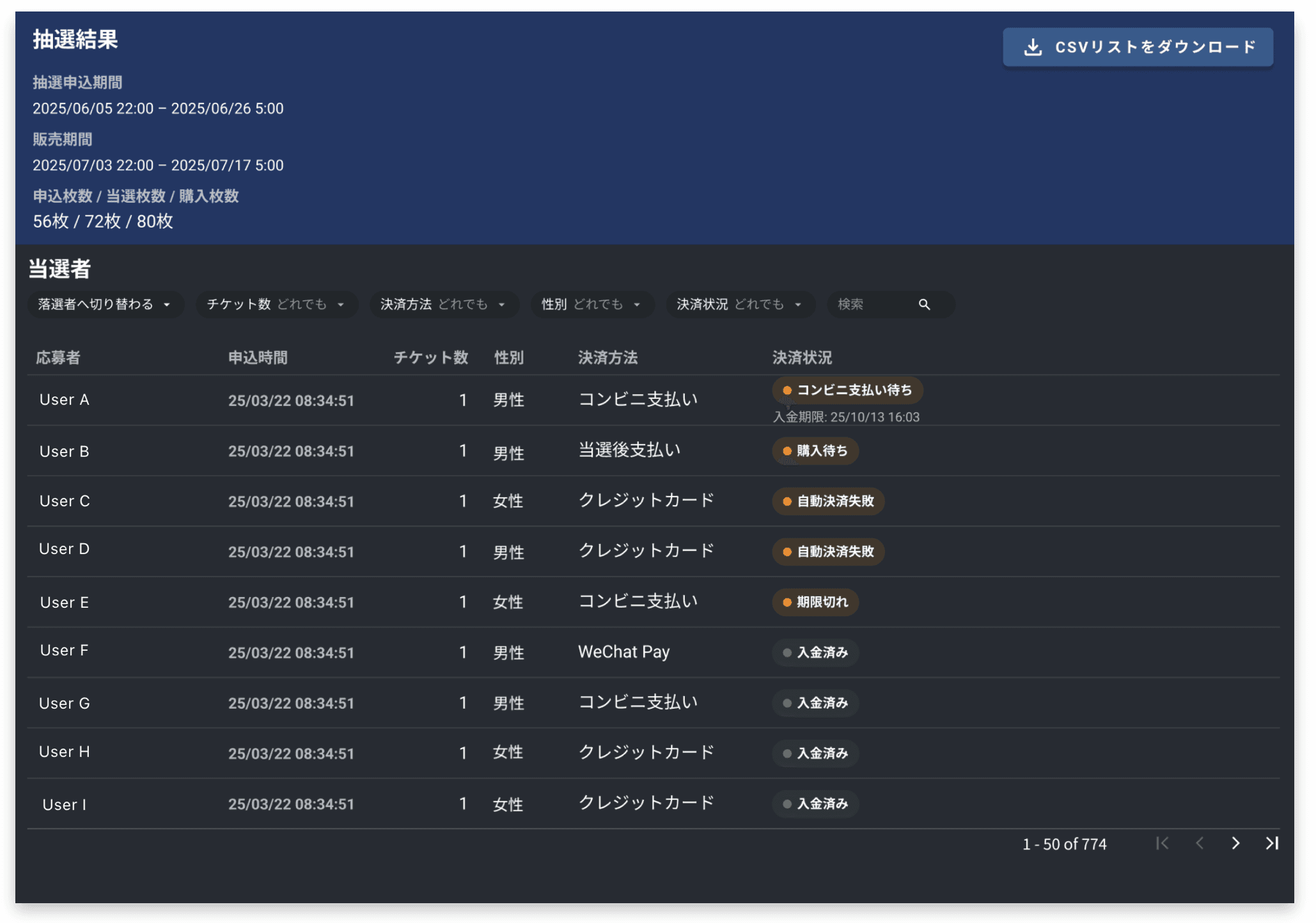
Please make use of this new lottery function in your next event!
More articles

Sneaker Con & Def Jam Cafe take over Nagoya!
Sneaker Con & Def Jam Cafe take over Nagoya!
ニュース
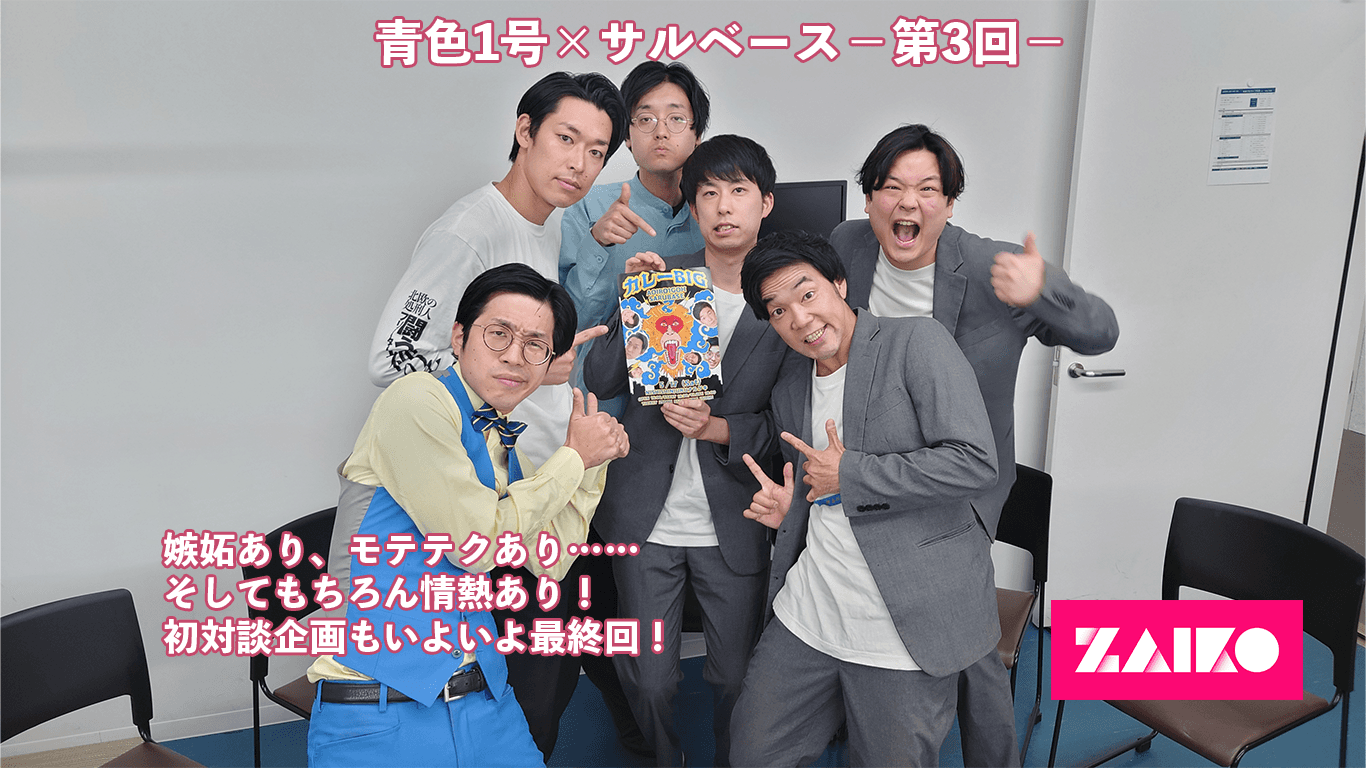
ZAIKO Exclusive Talk Project: Blue No. 1 × Salbase - Episode 3 - With jealousy, dating techniques... and of course, passion! The first talk project finally reaches its final episode!
ZAIKO Exclusive Talk Project: Blue No. 1 × Salbase - Episode 3 - With jealousy, dating techniques... and of course, passion! The first talk project finally reaches its final episode!
ニュース
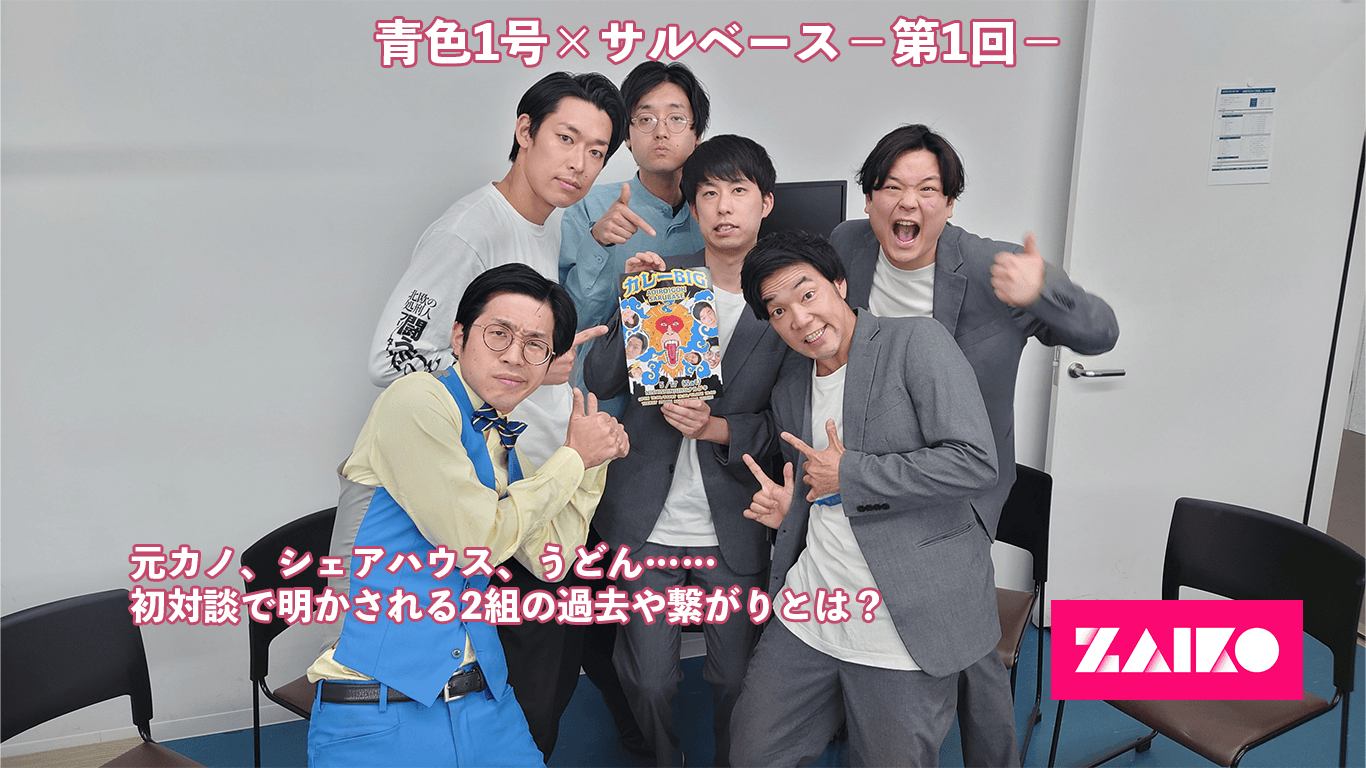
ZAIKO Exclusive Interview Project: Blue No. 1 × Salbase - Episode 1 - Ex-girlfriends, share houses, udon... What are the past connections revealed in their first talk?
ZAIKO Exclusive Interview Project: Blue No. 1 × Salbase - Episode 1 - Ex-girlfriends, share houses, udon... What are the past connections revealed in their first talk?
ニュース