Current page
We would like to introduce the new features of our creator services.
Product updates
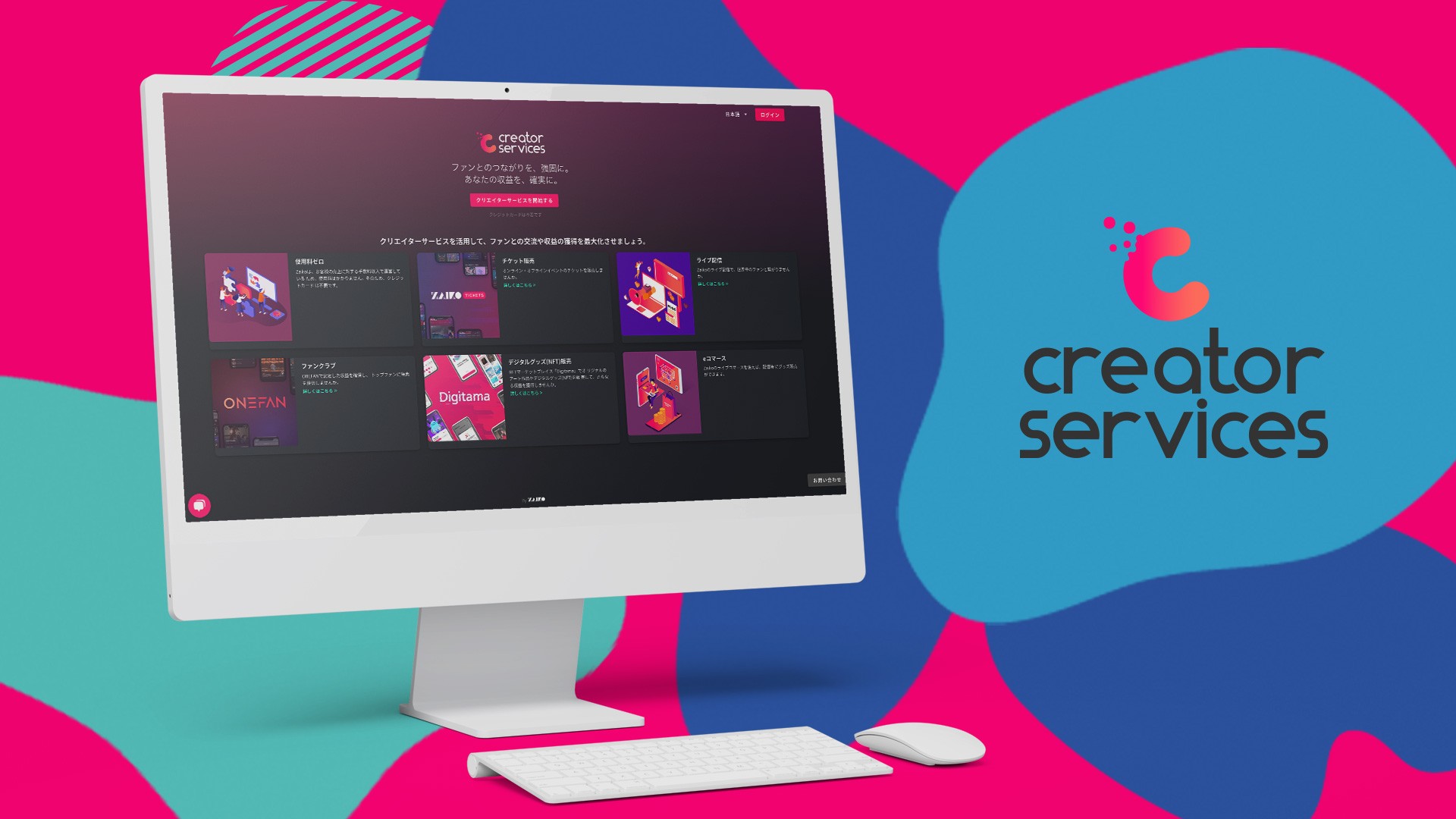
Sorting and Seat Numbers
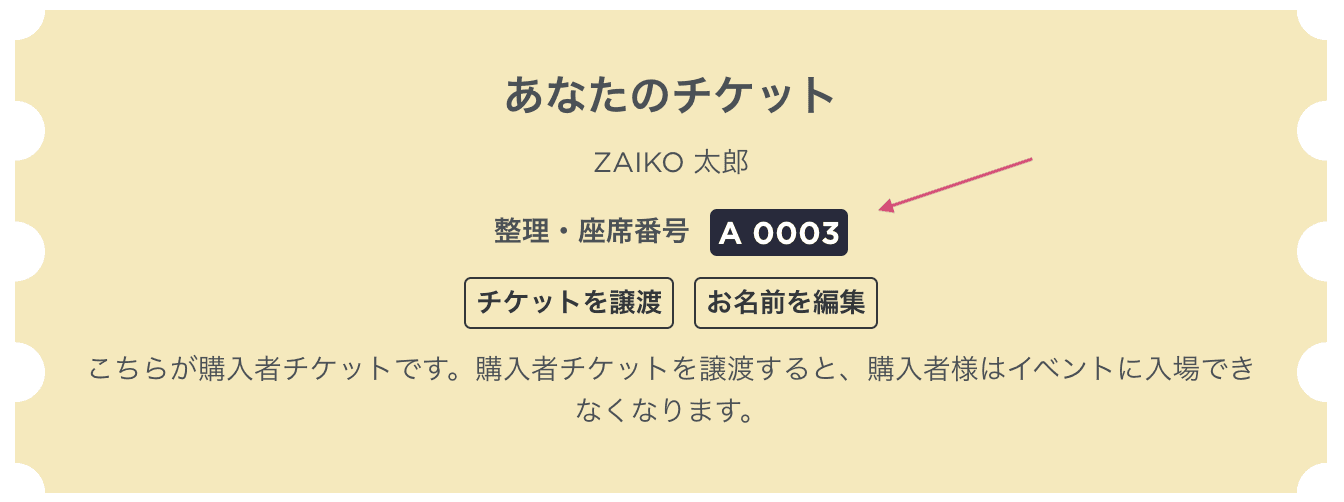
・Customers can check their information in numerical order, allowing for smoother entry management.
・It has become possible to bulk set sorting numbers / seat numbers via CSV upload.
Copying Events
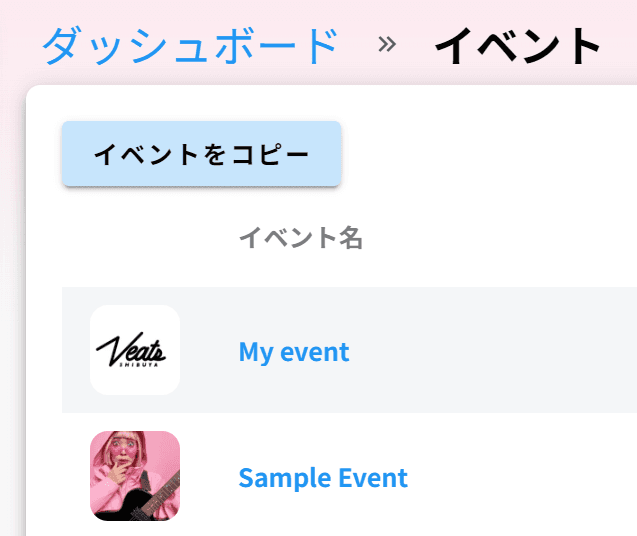
・When creating a new event, it has become possible to copy the settings from past events.
・By simply selecting the date and time of the next event as well as the tickets you want to reuse, you can easily create the same event as the past settings.
・The copied event is saved in "draft mode" and can be freely edited and adjusted.
Furthermore!
・You can now add administrators by yourself to the profile you already have.
・When conducting offline events over multiple days, it has become possible to set opening and start times for each ticket.
・The QR code check-in feature for venue tickets has been improved.
・The genre selection field when creating an event has been revised, allowing searching for your desired genre.
・While customizing the site page, you can now preview in real-time.
・Adding details for the event has become optional (you can edit as needed after creating the event).
・The time zone (which country or region’s time zone is reflected) is displayed and can be changed.
If you have any inquiries, opinions, or feedback regarding the features, please contact us here:
ZAIKO Product Team: product@zaiko.io
More articles

案外簡単!ZAIKOで海外向けのチケット販売を設定するには?
案外簡単!ZAIKOで海外向けのチケット販売を設定するには?
ニュース
合同ライブ『8社対抗ネタバトル「バチ×バチ」』1st round&全3回通し券、2026年10月1日(木)20:00よりZAIKOにてチケット独占販売開始!
合同ライブ『8社対抗ネタバトル「バチ×バチ」』1st round&全3回通し券、2026年10月1日(木)20:00よりZAIKOにてチケット独占販売開始!
ニュース

What is an e-ticket? Explaining how it works, its benefits, and how to enter using a QR code | ZAIKO
What is an e-ticket? Explaining how it works, its benefits, and how to enter using a QR code | ZAIKO
ニュース